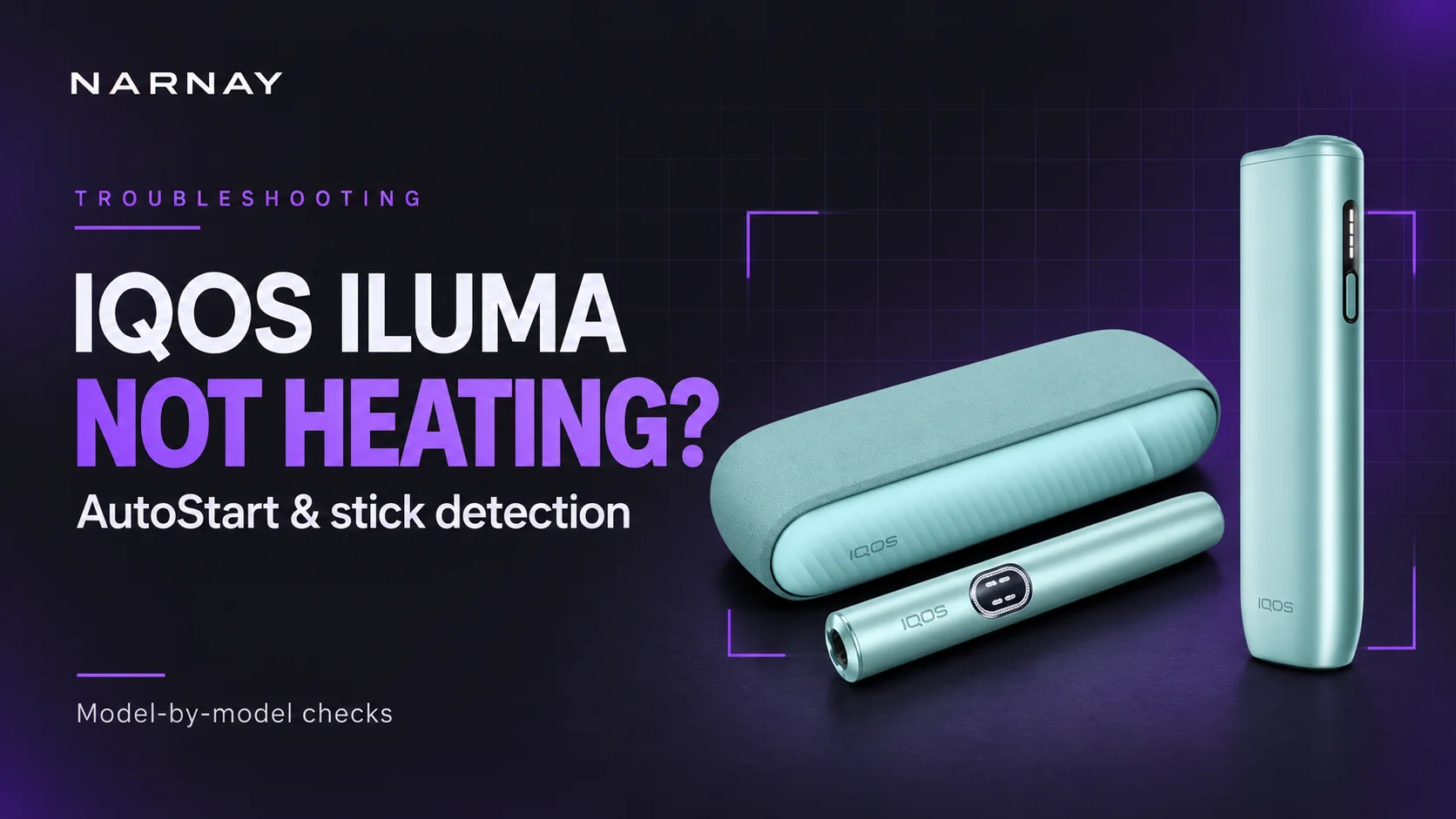
If your IQOS ILUMA is charged but not heating, identify the exact model before resetting it. A full charging case does not confirm a charged Holder, and inserting a stick does not start every ILUMA model in the same way.
This guide covers ILUMA, ILUMA PRIME, ILUMA i, ILUMA i PRIME, ILUMA ONE and ILUMA i ONE. It separates a failed automatic start from a device that cannot begin heating at all.
If the device is wet, visibly damaged or overheating, skip the start checks and follow the support guidance.
Quick answer
Check the Holder or one-piece device has usable charge, insert an intact, unused compatible stick to its marked line, then try the normal start action for your model. If manual heating works on an AutoStart-equipped model, check AutoStart settings before assuming a hardware fault. If neither start method works, check Device Lock, temperature and the applicable reset.
Original ILUMA ONE has no AutoStart; ILUMA i ONE does. The original ONE needs a button press. IQOS explains this generation difference.
This is a guide based on official model instructions, not a hands-on repair test. Settings and support options can differ by country.
In this guide
First, choose the correct ILUMA model
Use the exact name on the packaging or in your registered device details. The small i matters: ONE and i ONE are different generations.
| Model | How to recognise the controls | AutoStart | Manual start |
|---|---|---|---|
| ILUMA / ILUMA PRIME | Separate Holder and Pocket Charger; Holder button. | Yes, when enabled. | With a compatible stick inserted, hold the Holder button for about 2 seconds. Original-model guidance. |
| ILUMA i / ILUMA i PRIME | Separate Holder with Touch Screen and Pocket Charger. | Yes, when enabled. | With the stick inserted, swipe upward across the Touch Screen. i-model guidance. |
| ILUMA ONE | One-piece device with a button and light strip. | No. | Press its button for at least 1 second, until it vibrates and the lights pulse. ONE guide. |
| ILUMA i ONE | One-piece device with a button and light strip; no Holder Touch Screen. | Yes, when enabled. | Press and hold the device button until the start vibration and pulsing lights. i ONE guidance. |
For i ONE, the UAE FAQ specifies a 1-second press, while the Polish getting-started page specifies 2 seconds. Follow the guide supplied with your device and the start confirmation. A start press is different from a long reset press.
If heating begins, allow preheating to finish before judging the result. On the original ONE, a second vibration and steady status lights indicate readiness. Official start sequence.
What happens when you try to start?
Watch the complete response once: no reaction, a warning, preheating, or a normal start followed by an early stop. These observations are more useful than saying the device is “not working”.
| What you observe | What it tells you | Next step |
|---|---|---|
| No lights or charge indication | Power may be absent even if the device was recently connected to a charger. | Use the charging guide. |
| Manual heating works; automatic start fails | The device can heat in that attempt. Check the model and AutoStart setting. | Go to AutoStart checks. |
| Lights appear, but neither start method works | Stick insertion, Device Lock, temperature or a fault still needs checking. | Start with the stick, then follow the sections below. |
| Heating begins but stops, or a second session will not start | This is a different symptom from no initial heating. | Check pause and session limits. |
| Heating sequence completes, but there is little aerosol | A used or poorly stored stick can affect output; this alone does not identify a detection fault. | Use an unused compatible stick; see IQOS aerosol guidance. |
A failed start does not, by itself, identify a broken sensor or induction system. The checks below narrow the problem; they do not diagnose an internal component.
Check the stick before blaming the device
HEETS are not compatible with IQOS ILUMA. They lack the internal metal heating component used by the ILUMA induction system. A similar shape does not make them a substitute. Manufacturer explanation.
Current UK support lists TEREA, DELIA and LEVIA as compatible ILUMA sticks. Product ranges vary by market, so check the packaging and local model instructions. UK compatibility guidance. Our IQOS stick compatibility guide explains the wider model-to-stick mapping.
Use an unused, intact stick
Do not troubleshoot with a previously heated, wet, crushed or dismantled stick. If one stick fails, an intact compatible stick from another pack can help check whether the problem follows that stick.
Insert it in the correct direction
Keep the mouth-end filter outside and insert only to the indicated line. If it will not sit normally, stop instead of forcing it deeper.
Keep it still during preheating
Repeatedly lifting or moving the stick makes it harder to tell whether the device started correctly. Follow the normal insertion and start sequence once.
Insertion and another-pack checks: original ILUMA guidance and i ONE start checks.
A charged case does not mean a charged Holder
On a two-piece kit, check the part that actually heats the stick. Put the Holder correctly into its charged Pocket Charger and allow it to recharge. Then check the Holder status again. On ILUMA i / i PRIME, a 0 flashing three times indicates low Holder charge. IQOS Holder checks.
If the Holder does not take charge, inspect the seating and gently wipe its charging contacts with a soft, dry cloth, following the model instructions. This concerns the contacts between the two parts, not the heating chamber. IQOS contact-care guidance.
On ONE and i ONE, check the battery indication on the single device. There is no separate Pocket Charger to troubleshoot. If a part stays dark or will not charge, continue with our Holder, case and ONE charging checks.
Also confirm the kit is switched on. IQOS notes that switching off the Pocket Charger switches off its Holder too. Power-on guidance.
AutoStart not working: compare it with manual heating
Once the device has charge and an unused compatible stick is correctly seated, use the manual action in the model table.
Manual heating works
On an AutoStart-equipped model, check whether AutoStart was disabled. Use the supported IQOS app or local support route for your device. A successful manual start is a useful clue, but does not prove the cause of an intermittent automatic-start problem. IQOS AutoStart FAQ.
Manual heating also fails
Do not keep changing AutoStart settings. Continue with Device Lock and temperature, then the applicable reset. Record any screen symbol or light sequence.
For original ILUMA / PRIME, IQOS also recommends checking device firmware through the supported app or an IQOS store when the automatic-start problem persists. App availability varies; use local support if your model cannot connect. Official AutoStart troubleshooting.
Check Device Lock and the Touch Screen
Device Lock and AutoStart are separate settings. Turning AutoStart on is not the same as unlocking a device.
- ILUMA i / i PRIME: a horizontal line with a circle underneath is the documented lock symbol. Three horizontal lines moving in waves three times after insertion indicate AutoStart is disabled. IQOS screen and settings FAQ.
- ILUMA i ONE: the top and bottom lights flashing white after a short button press when attempting to start indicate Device Lock. In the supported app, select the device, open Device settings and disable Lock device. i ONE lock instructions.
If the app or setting is unavailable in your country, contact local IQOS support. For example, South African instructions route these setting changes through an IQOS store or partner. Regional support instructions.
If the i / i PRIME Touch Screen does not respond
Use a clean, dry bare finger on a clean, dry screen. Remove gloves and check for cracks. A dark screen calls for a power check; a lit, undamaged screen that still ignores gestures calls for the model reset and then support if unresolved. IQOS Touch Screen checks.
For other symbols, use the model-by-model ILUMA light and screen guide. Do not interpret every white flash as the same warning.
Check temperature, pause and available sessions
After exposure to hot or cold conditions
IQOS lists an operating range of 0–40°C for the i-series models in its troubleshooting guidance. Outside the permitted range, heating may not start or may stop. Move the device to a dry place at normal indoor temperature and let it adjust naturally. Temperature guidance. Do not use an external heat source to speed this up.
If ILUMA i / i PRIME started, then paused
An accidental downward swipe can activate Pause Mode. Use the upward resume gesture while pause remains available. If it is not resumed within eight minutes, the session ends. This applies to the Touch Screen models, not ONE or i ONE. Pause and resume instructions.
If the first session worked but the next will not start
On ILUMA i / i PRIME, Eco Mode provides one use per Holder charge; a single available-use line after charging can therefore be normal. Recharge the Holder and check its mode before treating the missing next session as a detection failure. Eco Mode explanation.
These checks apply when heating already worked. For more detail on the feature controls, see our IQOS ILUMA i FAQ.
Reset only after the basic checks
A reset is a software troubleshooting step. It will not correct an incompatible stick or repair physical damage. For an undamaged device that still fails after the checks above, follow the instructions for its exact model.
| Model | Where to press | Instruction and source |
|---|---|---|
| ILUMA / ILUMA PRIME | Pocket Charger, with the Holder correctly inside. | Hold the Pocket Charger button continuously for 10 seconds; wait for the confirming status-light sequence. Swiss model instructions. |
| ILUMA i / ILUMA i PRIME | Pocket Charger, with the Holder inside. | Hold its button for 10 seconds. The lights go out and return to confirm. Polish model FAQ. |
| ILUMA ONE | Button on the one-piece device. | The Cyprus model guide specifies 7 seconds, then release; the lights go off, flash twice and return. ONE instructions. |
| ILUMA i ONE | Button on the one-piece device. | Published instructions conflict: 7 seconds in the Polish model FAQ; 10 seconds in Swiss troubleshooting. Follow the supplied guide or local diagnostic for your unit. |
For i ONE, do not alternate reset timings in a loop. The published discrepancy is a reason to consult the supplied documentation or local support. It does not establish that every device or firmware version uses the same procedure.
After the applicable reset, check the normal start response once. If the same fault returns, move to support instead of repeatedly restarting the device.
When to stop and contact IQOS support
For an undamaged unit, contact support when compatible unused sticks still fail after correct insertion, confirmed power, normal temperature, relevant setting checks and the applicable reset. Persistent error signals or a Touch Screen that remains unresponsive also need support.
Give the support team observations they can use:
- The exact model and country of purchase.
- Whether the case, Holder or one-piece device shows charge.
- Whether manual heating works, automatic heating works, or neither works.
- The stick family and whether the same issue occurred with another unused stick.
- A short video of the light or screen pattern, and the checks already completed.
Use the official support service for your country. Availability of repairs, replacements and warranty cover must be confirmed locally; a failed start alone does not establish entitlement to a replacement. IQOS support starting point.
Final Verdict: separate a start problem from a heating fault
Start with the model, usable charge and the stick. Then compare automatic and manual heating. That sequence gives you a useful next step before you reach for the reset button.
If original ONE starts with its button, that is normal. If an AutoStart-equipped model heats manually, investigate AutoStart and the insertion response. If neither method works after the model-specific checks, use official support; the symptom is not enough to name a failed internal part.
Frequently asked questions
Why is my IQOS ILUMA charged but not heating?
First check what is charged: the Pocket Charger and Holder are separate on two-piece kits. Then check the compatible stick, insertion, normal start action, Device Lock and temperature. A charged case alone does not rule out an empty Holder.
Why does my ILUMA not detect TEREA?
Confirm the stick is unused, intact and inserted to its marked line. Try the normal manual start for your model. If manual heating works, examine AutoStart settings. If compatible sticks repeatedly fail, a model-specific reset or support may be needed; do not assume a particular sensor has failed.
Does IQOS ILUMA ONE start automatically?
The original ILUMA ONE does not have AutoStart. It needs a button press to start heating. The newer ILUMA i ONE supports AutoStart. Check the full model name before treating insertion without heating as a fault.
Can I use HEETS to check whether ILUMA heats?
No. HEETS are not compatible with the ILUMA induction system. They are not a valid test consumable for it. Use only an unused stick approved for your exact model.
What if manual heating works but AutoStart does not?
Check whether AutoStart is enabled through the supported app or local service route. Also check normal insertion. Manual heating confirms that heating worked in that attempt; it does not by itself establish why AutoStart failed.
Should I clean the ILUMA heating chamber if it will not start?
Do not apply the blade-cleaning routine used for older IQOS devices. ILUMA does not require that internal cleaning routine. Charging contacts can be wiped as instructed, but a stuck fragment needs the approved removal method or support, not scraping or liquid.
How long should I hold the reset button on ILUMA i ONE?
Use the instructions supplied with your device or your local IQOS diagnostic. Published official pages currently give both 7 and 10 seconds. The reset control is on the one-piece device; do not use a Pocket Charger procedure.
Why will my ILUMA i not start a second session?
Check Holder charge and the selected battery mode. Eco Mode allows one use per Holder charge, so the need to recharge after that use can be normal. This is different from an unused stick failing to start on a charged Holder.
Related NARNAY guides
For broader device questions, visit our care and troubleshooting FAQ.
Sources and editorial note
Official guidance checked on 5 October 2026. The manual start and reset rows identify the regional instructions used; where published instructions conflict, the supplied device guide and local support are the next reference.
- IQOS UK — ILUMA i troubleshooting. Market: UK.
- IQOS Switzerland — ILUMA not heating automatically. Market: Switzerland.
- IQOS Iraq — First steps with ILUMA ONE. Market: Iraq.
- IQOS UAE — ILUMA i ONE cannot start. Market: UAE.
- IQOS UK — ILUMA ONE and i ONE differences. Market: UK.
- IQOS South Africa — ILUMA i troubleshooting FAQ. Market: South Africa.
- IQOS Switzerland — ILUMA i devices FAQ. Market: Switzerland.
- IQOS UK — Unresponsive Touch Screen. Market: UK.
- IQOS Switzerland — ILUMA i ONE troubleshooting. Market: Switzerland.
- IQOS Poland — How to use ILUMA i: FAQ. Market: Poland.
- IQOS Cyprus — ILUMA ONE troubleshooting. Market: Cyprus.
- IQOS — ILUMA i ONE Safety Warnings and Instructions (PDF). Market: Philippines / English.
- IQOS Egypt — HEETS and TEREA differences. Market: Egypt.
- IQOS Poland — First steps with ILUMA i ONE. Market: Poland.
- IQOS UK — First steps with ILUMA. Market: UK.
- IQOS Albania — AutoStart not working. Market: Albania.
- IQOS Switzerland — First steps with ILUMA i. Market: Switzerland.
NARNAY has not performed a hands-on repair test for this guide. These checks do not replace the safety instructions supplied with your device. Information is for adults of legal smoking age. Heated tobacco products are not risk-free, and nicotine is addictive.