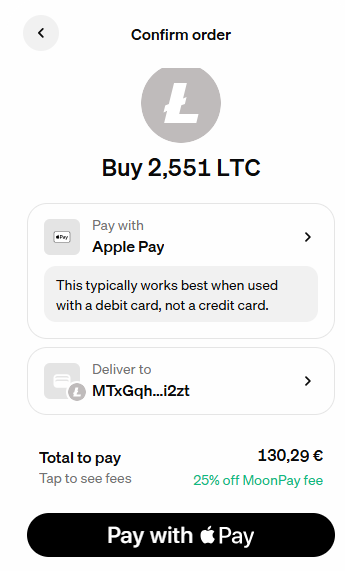
Select NOWPayments at Checkout
On the checkout page, choose NOWPayments. This will generate your personal payment details.

Choose Litecoin (LTC)
On the asset selection screen, search for LTC and select Litecoin (LTC) from the list to continue.
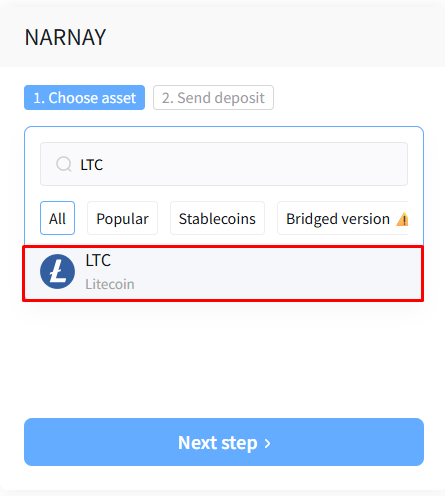
After selecting Litecoin (LTC), click Next step.
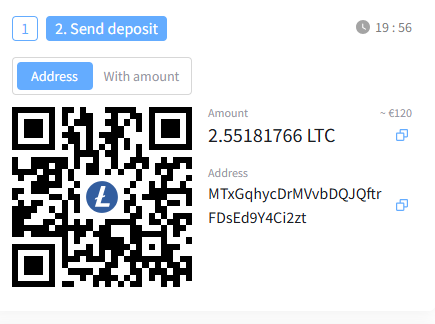
Review Payment Details
You will see the LTC amount and the wallet address for your order. Keep this page open - you’ll need these details next.
Open MoonPay in a New Tab
Open the MoonPay purchase page in a new browser tab: moonpay.com/buy
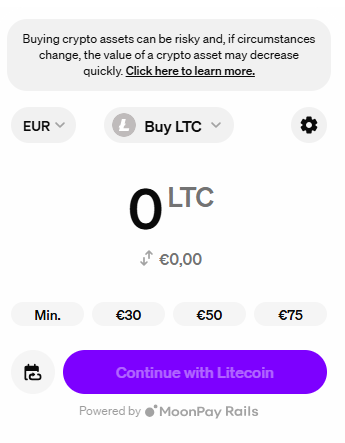
Select Litecoin (LTC)
On the MoonPay page, search for LTC and select Litecoin (LTC).
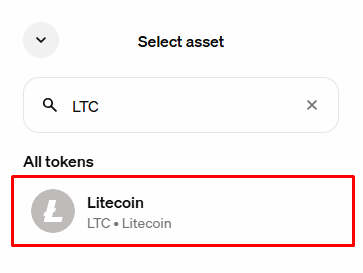
Make sure LTC is selected before continuing.
Enter the LTC Amount
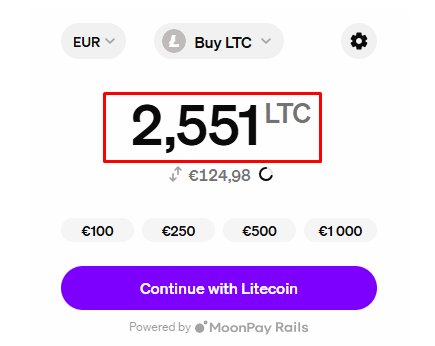
On your checkout page, find the LTC amount. Copy the first 4 digits.
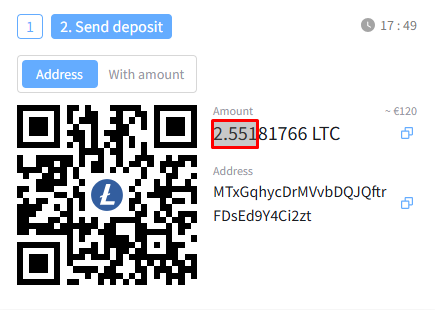
Go back to MoonPay and enter this amount. Then click Continue.
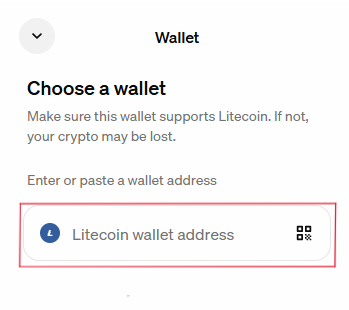
Enter the Wallet Address
On your checkout page, copy the LTC wallet address.
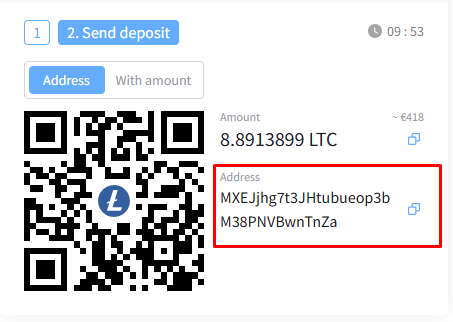
Paste this address into the wallet field on MoonPay and click Continue.
Pay with Your Card
Select Debit or Credit card on MoonPay.
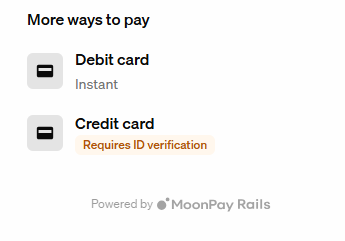
Review the details and click Pay to complete the payment.